> For the complete documentation index, see [llms.txt](https://docs.chatalog.ai/llms.txt). Markdown versions of documentation pages are available by appending `.md` to page URLs; this page is available as [Markdown](https://docs.chatalog.ai/settings/names-display.md).
# Names Display
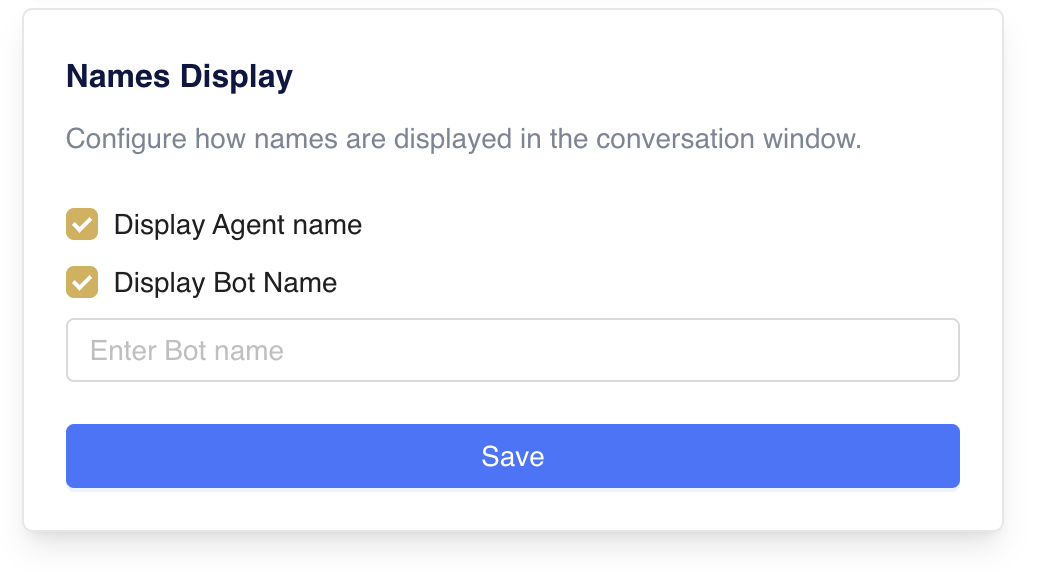
Users can display the agent name and customize the bot name of outgoing messages.
The account owner can configure this feature on the Settings page > Account Details.
* **Display Agent Name**: When an agent replies to a customer, the agent's account name in the chatalog will be displayed in the conversation.
* **Display Bot Name**: When a bot replies to a customer, the bot name you have set will be displayed in the conversation.