> For the complete documentation index, see [llms.txt](https://docs.chatalog.ai/llms.txt). Markdown versions of documentation pages are available by appending `.md` to page URLs; this page is available as [Markdown](https://docs.chatalog.ai/chatalog-mobile-app/conversations-and-responses.md).
# Conversations and Responses
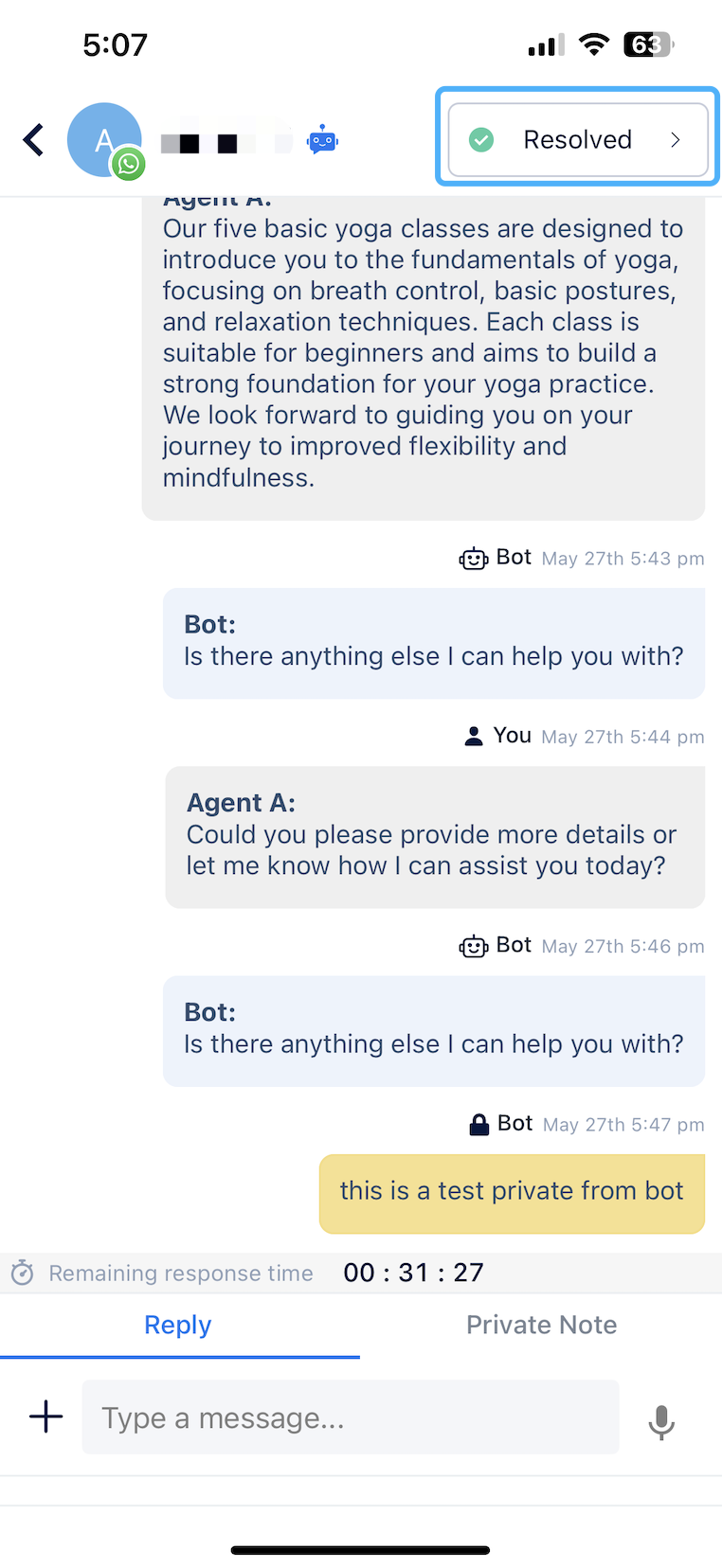
When you click into a conversation, you can view the complete history with that contact.
### Change Conversation Status
Click the top right status menu to update the conversation status. You can assign the conversation to a specific agent/team, or change it to “open” or “unassign” status.
### Message Responses
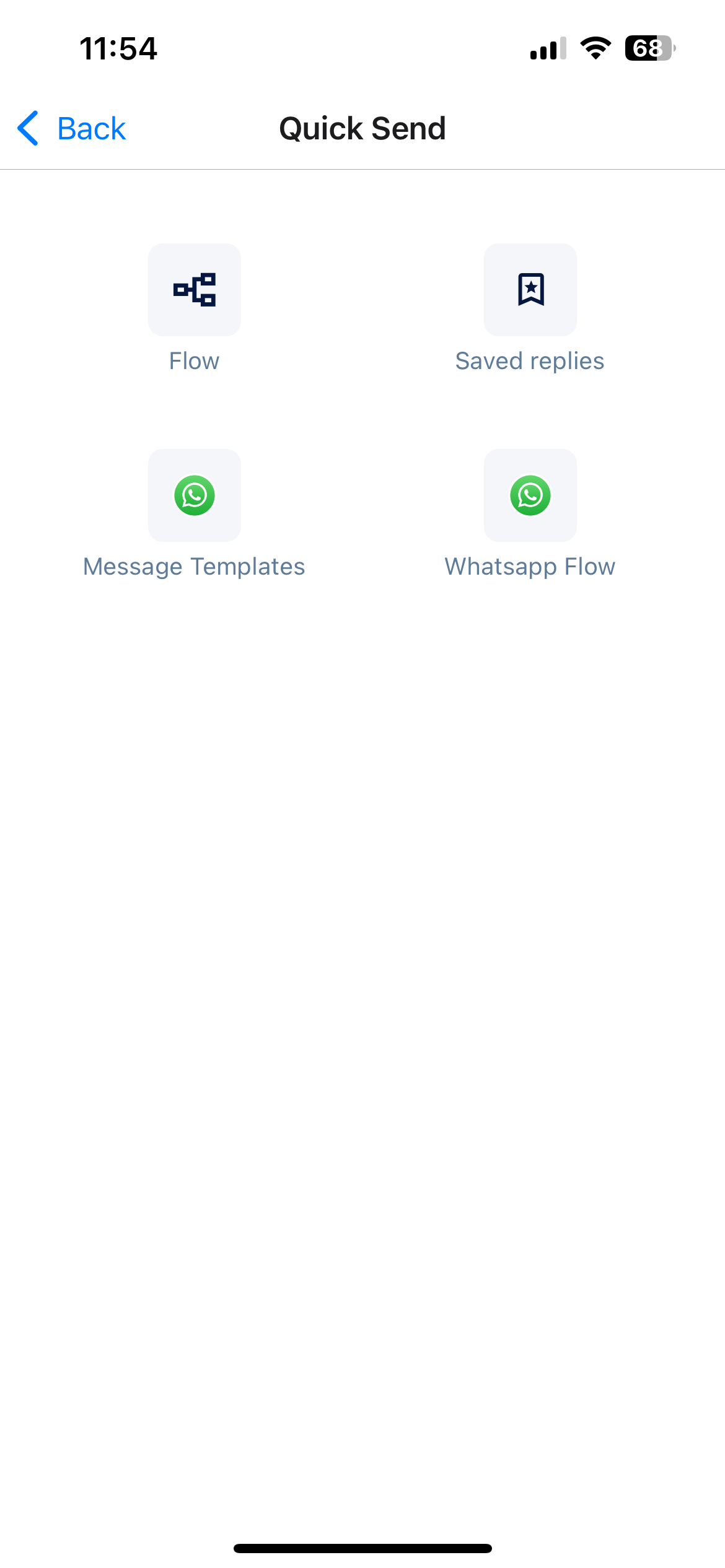
Type your message directly in the editing area, or click "+" to send an Attachment or Quick Send. You can send Flow, Saved Replies in the Quick Send, and for the WhatsApp inbox, you can also send Message Templates and WhatsApp Flow.
On the mobile app, you can also access AI Tools for AI Writer or AI Doc Reply features.
For guidance on using AI Tools, refer to the web version, which functions similarly:
{% content-ref url="/pages/wcjomyMjCXcjFraQ4b5O" %}
[AI Tools - AI Writer & Doc Reply](/ai-tools/ai-tools-ai-writer-and-doc-reply.md)
{% endcontent-ref %}
### Send Private Note
Switch to the Private Note tab to send internal notes that are only visible to your colleagues.