> For the complete documentation index, see [llms.txt](https://docs.chatalog.ai/llms.txt). Markdown versions of documentation pages are available by appending `.md` to page URLs; this page is available as [Markdown](https://docs.chatalog.ai/chatalog-mobile-app/mobile-app-download.md).
# Mobile App Download
### iOS App Installation
Download the chatalog app on your iPhone to manage your customer conversations on the go.
* **Step 1:** Open the App Store on your iOS device
* **Step 2:** Search for "chatalog" in the search bar
* **Step 3:** Tap "Get" or the download icon to install the app
* **Step 4:** Once installed, open the app and log in with your chatalog credentials
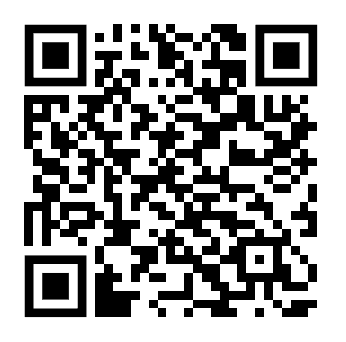
You can also scan this QR code to download directly :
Or visit:
### Android App Installation
Access chatalog on your Android device to stay connected with your customers anywhere.
* **Step 1:** Open the Google Play Store on your Android device
* **Step 2:** Search for "chatalog" in the search bar
* **Step 3:** Tap "Install" to download the app
* **Step 4:** After installation, open the app and sign in with your chatalog account
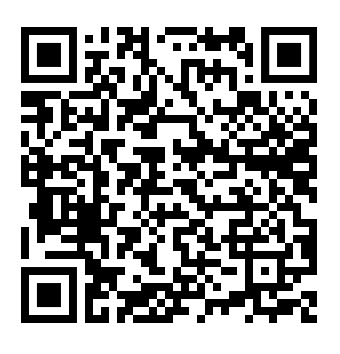
Alternatively, scan this QR code for direct download:
Or visit: