# 使用2FA 在手機APP上登入

{% hint style="danger" %}
此功能只支援 Mobile App Ver. 1.39.0 或者以上
{% endhint %}

1. 先打開你的Chatalog app  ， 並確保你的Chatalog app 是在版本1.39.0或者以上

<figure><img src="/files/Bn4bEQS4L74daLll4CPu" alt="" width="188"><figcaption></figcaption></figure>

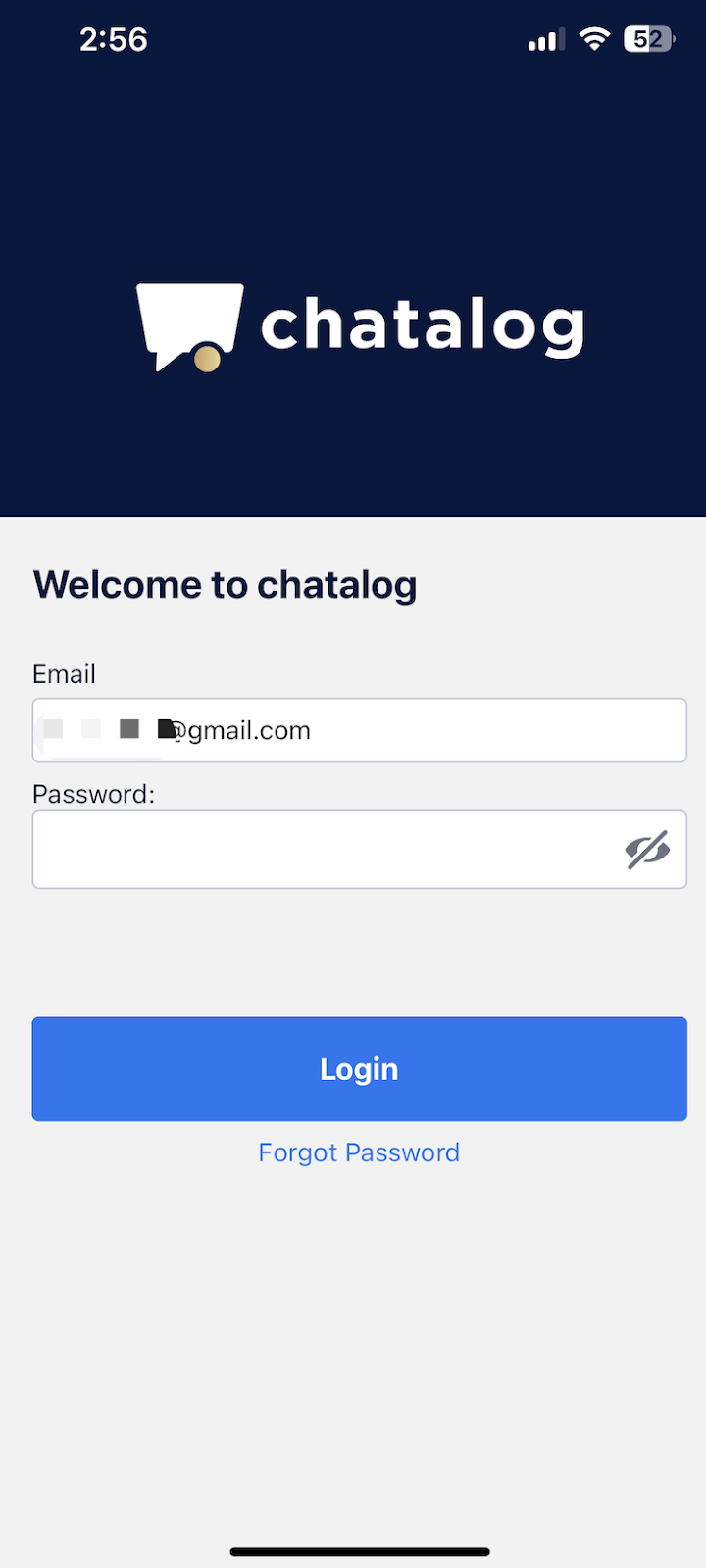
2. 輸入你的登入名稱跟密碼後按 “登入”

<figure><img src="/files/Fz1BaAbdnk7oHUcQCpeM" alt="" width="180"><figcaption></figcaption></figure>

3. 你註冊的電郵將會收到一封2FA 的郵件 ， 請根據上面的驗證碼在此輸入並按下驗證

<figure><img src="/files/y9E12eB10G7O52j4E5IW" alt="" width="375"><figcaption></figcaption></figure>

4. 成功登入


---

# Agent Instructions: Querying This Documentation

If you need additional information that is not directly available in this page, you can query the documentation dynamically by asking a question.

Perform an HTTP GET request on the current page URL with the `ask` query parameter:

```
GET https://docs.chatalog.ai/zh-hk/settings/shuang-zhong-ren-zheng-2fa/shi-yong-2fa-zai-shou-ji-app-shang-deng-ru.md?ask=<question>
```

The question should be specific, self-contained, and written in natural language.
The response will contain a direct answer to the question and relevant excerpts and sources from the documentation.

Use this mechanism when the answer is not explicitly present in the current page, you need clarification or additional context, or you want to retrieve related documentation sections.