# 信息模板的选择性显示

## 信息模板

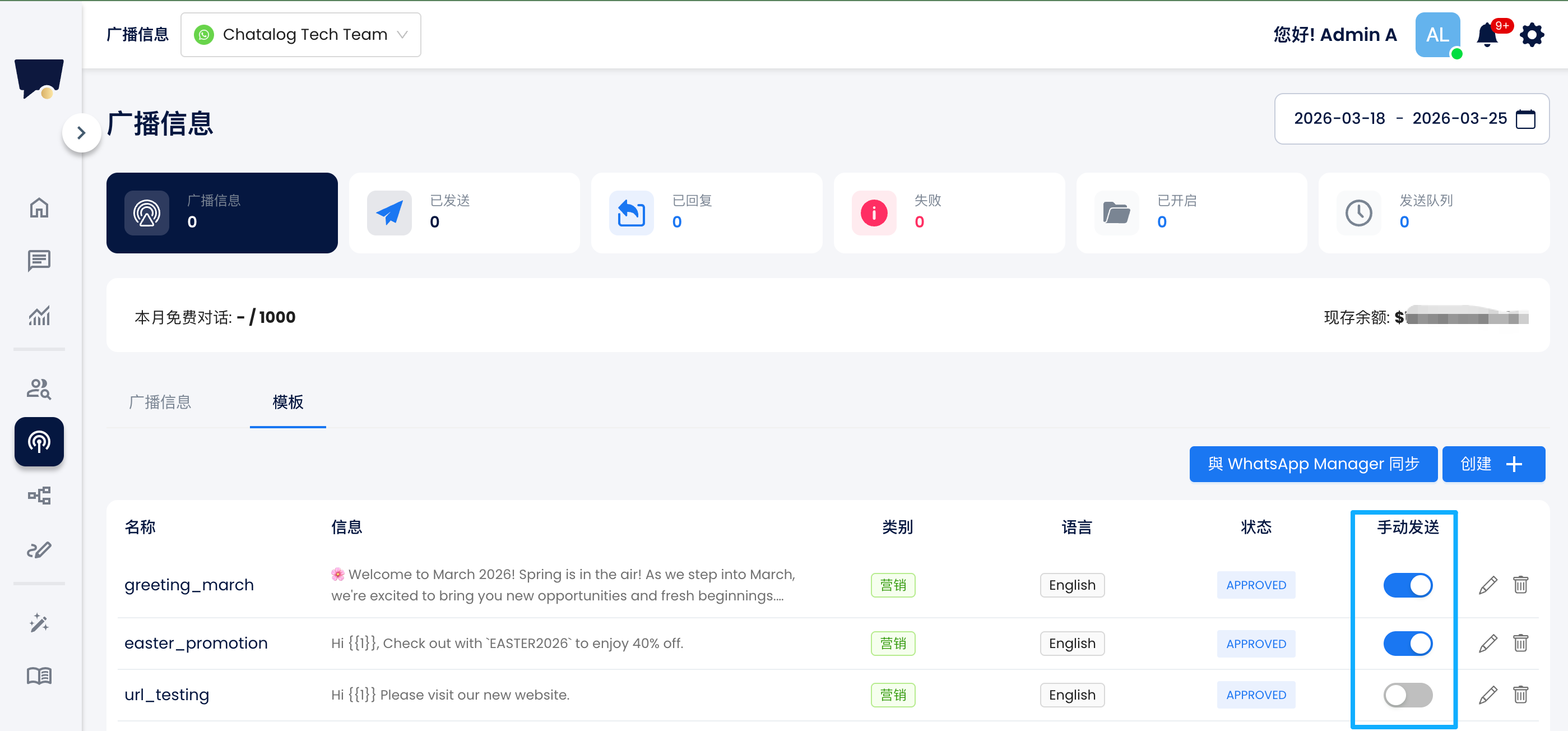
您可以进入广播页面 - 模板，点击开启或关闭手动发送按钮。

<figure><img src="/files/f7mVar95EDbP89x76AKX" alt=""><figcaption></figcaption></figure>

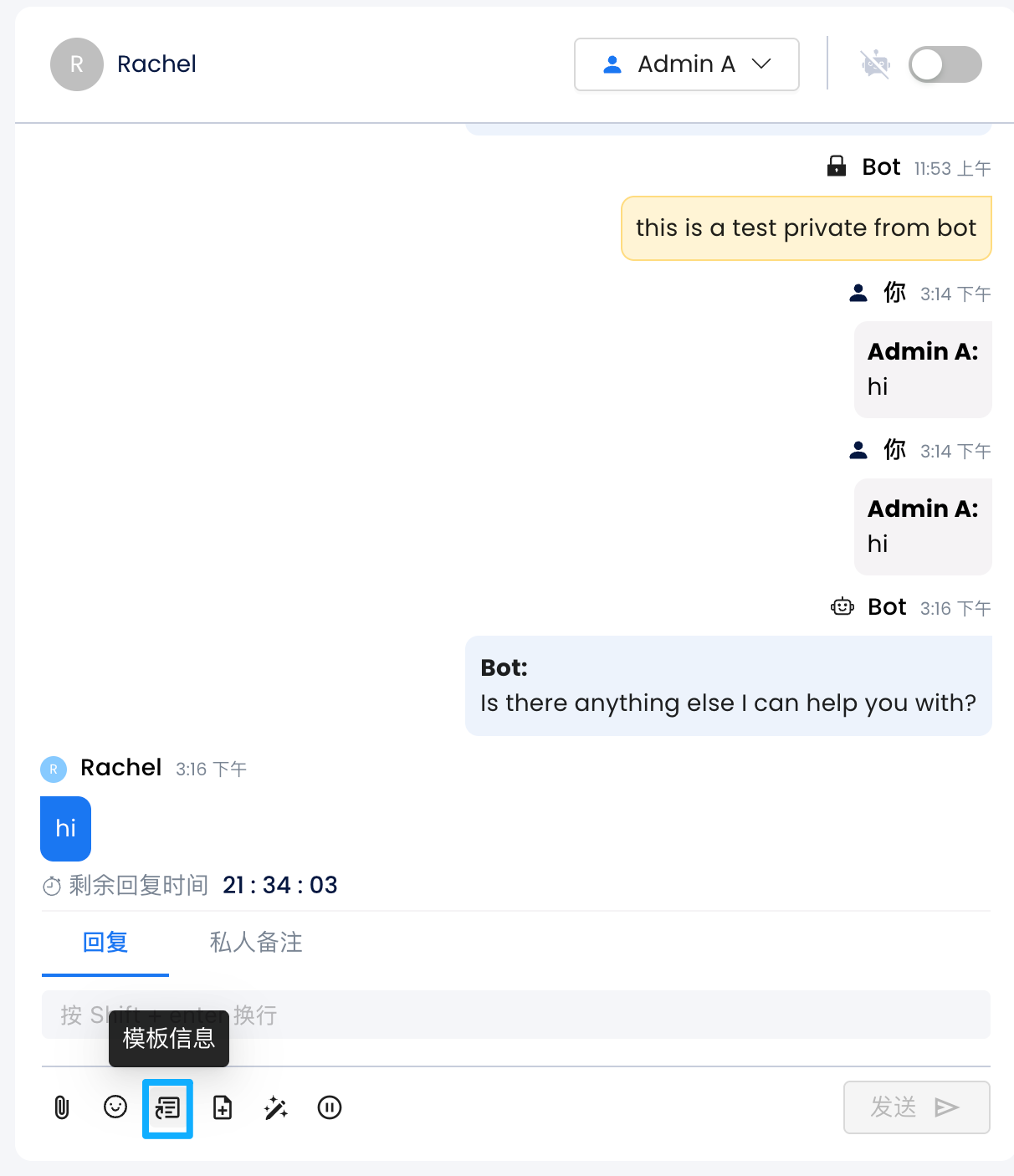
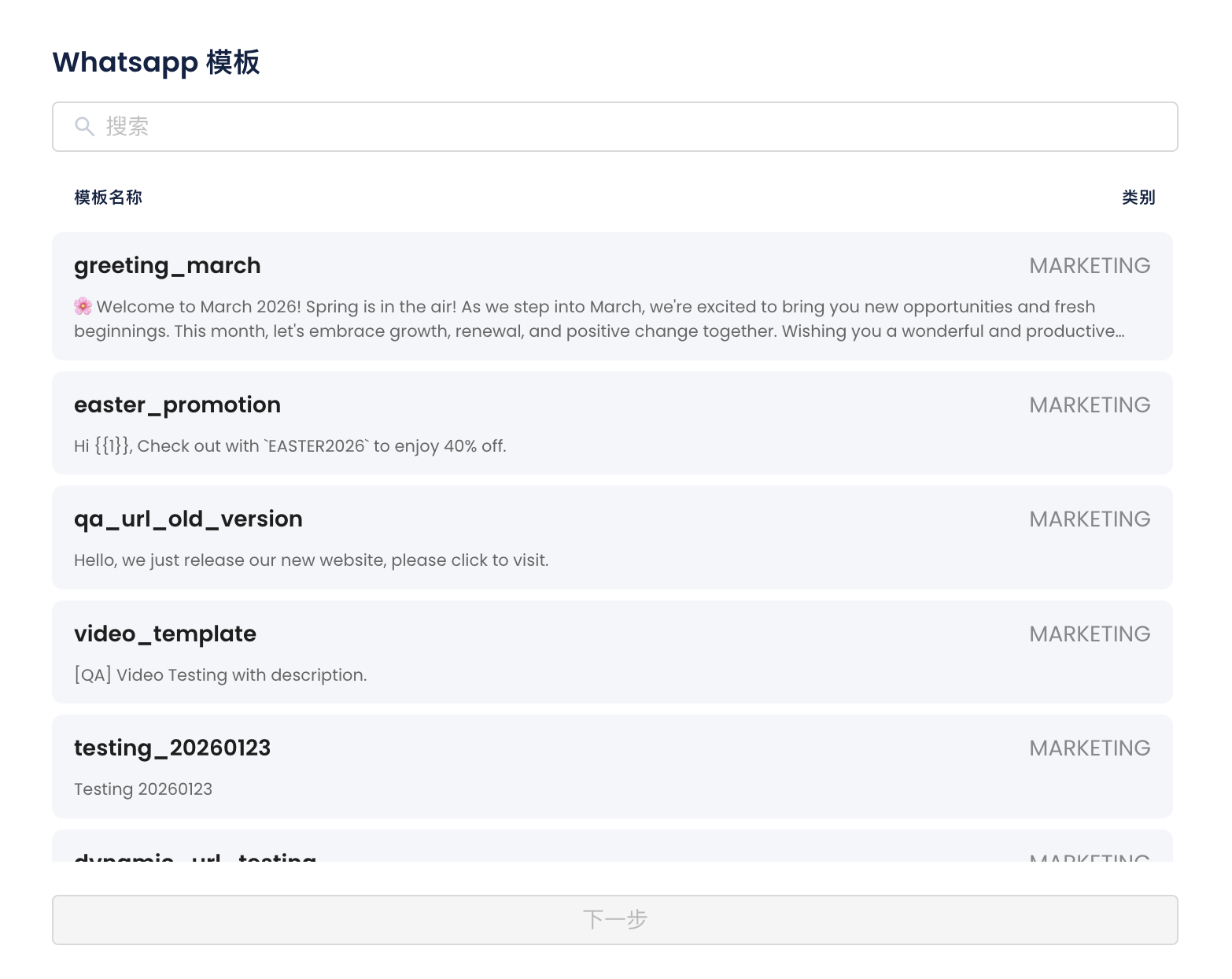
信息页面只会显示对话中允许传送的模板

<figure><img src="/files/wlTVOdBsIBDyzC3iiWkb" alt="" width="375"><figcaption></figcaption></figure>

<figure><img src="/files/HT3gB6kdGkbninG6NYq8" alt="" width="375"><figcaption></figcaption></figure>


---

# Agent Instructions: Querying This Documentation

If you need additional information that is not directly available in this page, you can query the documentation dynamically by asking a question.

Perform an HTTP GET request on the current page URL with the `ask` query parameter:

```
GET https://docs.chatalog.ai/zh-cn/broacast-setup/broadcast-whatsapp/selective-display-of-templates.md?ask=<question>
```

The question should be specific, self-contained, and written in natural language.
The response will contain a direct answer to the question and relevant excerpts and sources from the documentation.

Use this mechanism when the answer is not explicitly present in the current page, you need clarification or additional context, or you want to retrieve related documentation sections.